 Escape From Tarkov
 Arc Raiders
 Arena Breakout
 Delta Force
 GTA V FiveM
 Apex
Apex Marathon
 Marvel Rivals
 Battlefield 6
 Rainbow 6 Siege
 Sea of Thieves
- Call Of Duty
 Pubg
Pubg- Rust
- Dayz
 ARK Ascended
 Arma Reforger
 Fortnite
 Counter Strike 2
 Dead By Daylight
 Squad
Squad Scum
Scum Dark And Darker
- Valorant
- Warthunder
 Hunt Showdown
- DMA Hardware
- Hwid Spoofers























Anomaly Fortnite
Category: Fortnite
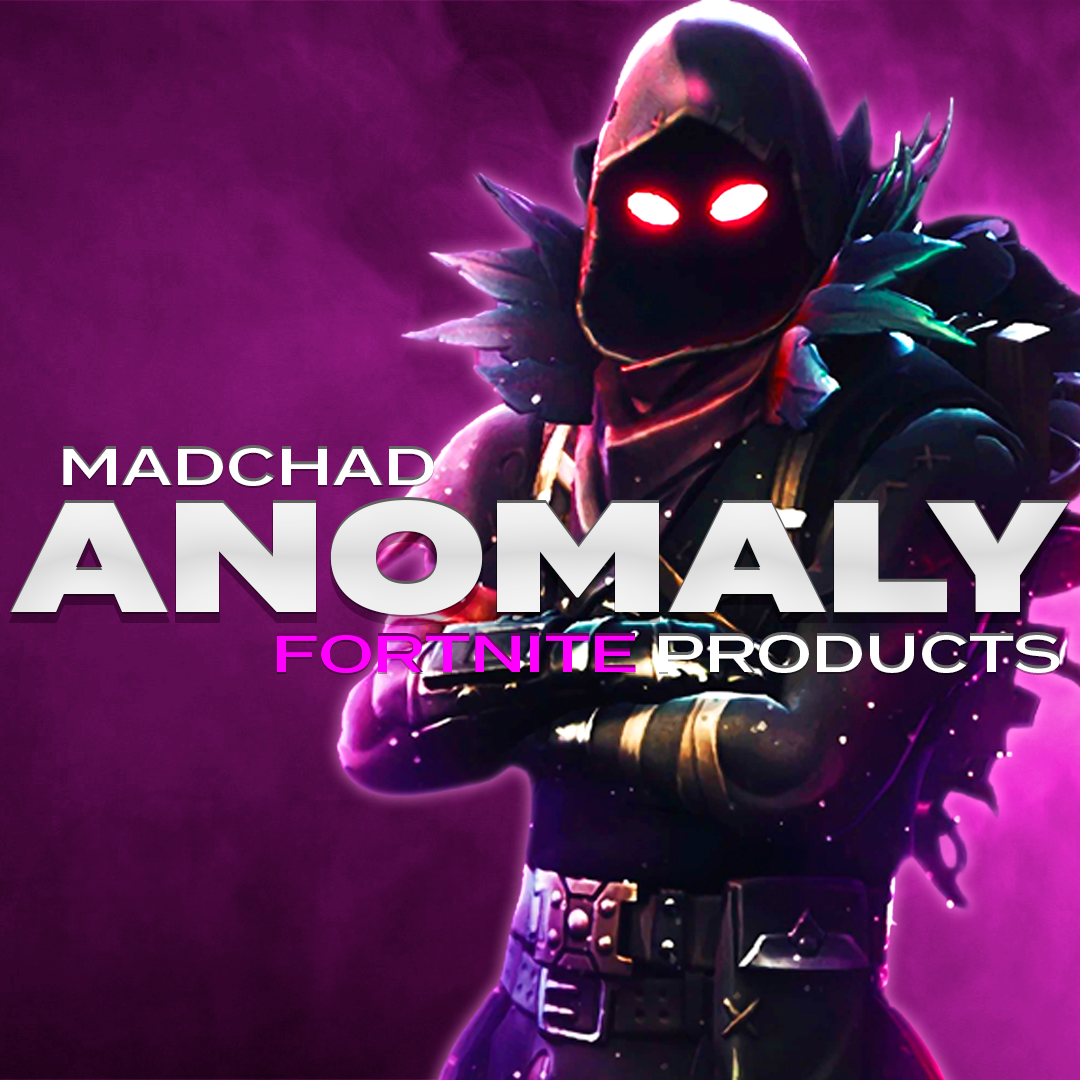
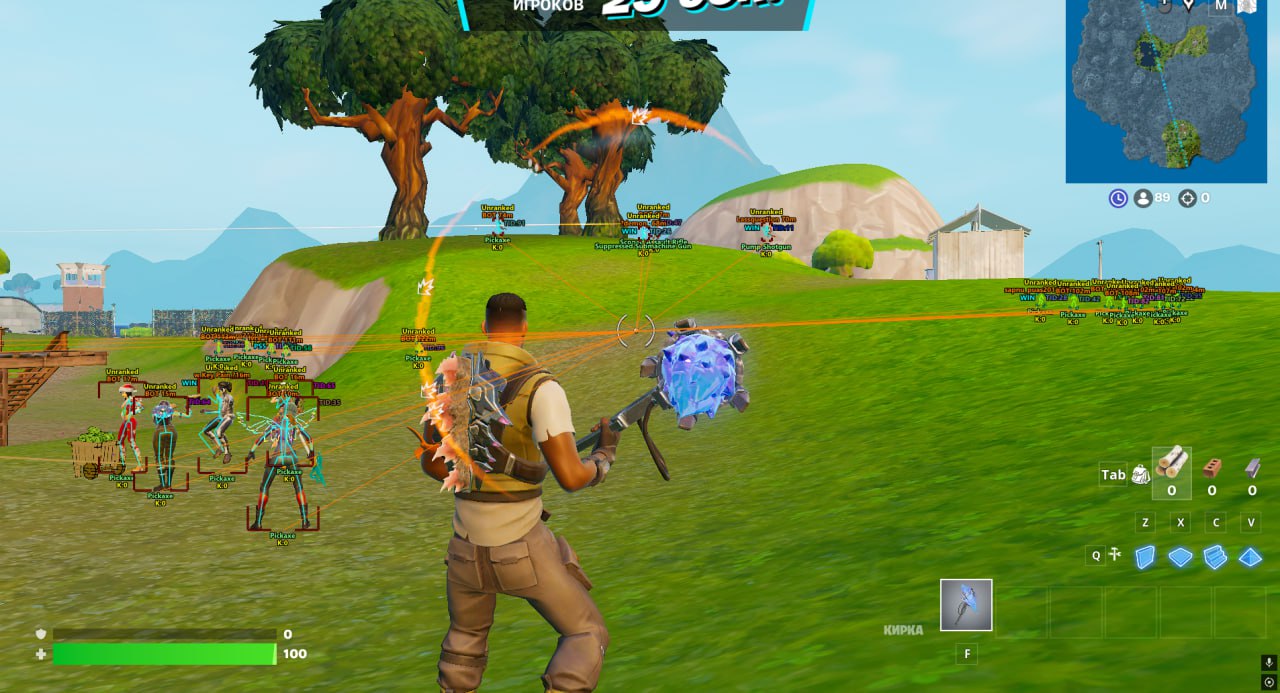
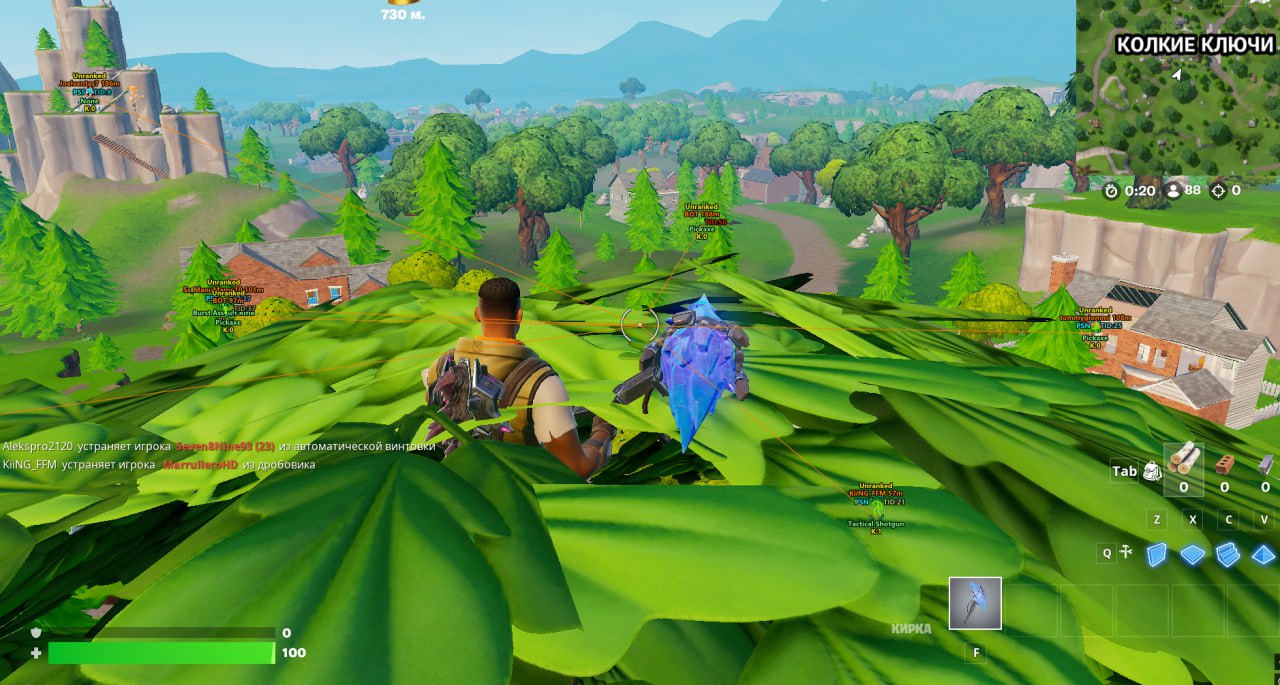
Fortnite cheat Anomaly is built for players who want powerful and reliable external software without unnecessary complexity. It offers a full feature set including Aimbot, ESP, Radar, Loot ESP, Crosshair tools, and advanced customization options designed to fit any playstyle. Each feature includes detailed settings, with separate configurations for different weapon categories, allowing precise control across all weapons. Multiple hotkeys can be bound for quick activation and switching during gameplay. Anomaly is managed through a clean and intuitive menu that makes setup simple and efficient, even for new users. Visual elements such as ESP, radar, and colors are fully customizable, and the software is stream-proof, remaining invisible in recordings, screenshots, and live streams.

- Operating system:Windows 10, Windows 11 (21H2, 22H2, 23H2, 24H2, 25H2)
- Processor:Intel & AMD
- Client:Epic Games (EGS)
- Static Aimbot: Moves the sight in a straight line for consistent and predictable aiming.
- Curved Aimbot: A more random aimbot that uses curved movements for natural-looking aim.
- Aim Key (First / Second): Bind up to two hold-to-aim keys to activate the aimbot.
- FOV: Controls the size of the aiming area where targets can be detected.
- Draw FOV: Displays the circle in which the aimbot operates.
- FOV Color: Customize the color of the aiming circle.
- Only Visible: Aim only at targets that are fully visible and not behind walls.
- Lock Target: Locks the aim onto a target until it is eliminated or firing stops.
- Lock Knocked: Allows the aimbot to target knocked enemies.
- Prediction: Predicts enemy movement and trajectory for better accuracy.
- Weapon Category Settings: Separate configurations for Global, Melee, Rifle, Shotgun, SMG, Pistol, Sniper, and Other weapons.
- Smooth: Adjust aim smoothing — higher values result in weaker and smoother aim movements.
- Bone Selection (Head / Neck / Body / Stomach / Nearest): Select specific hitboxes to target for precise aiming.
- Force Bone: Switches to a specific hitbox instantly when the assigned key is pressed.
- Player ESP: Displays players using wallhack visuals.
- Distance: Shows the distance to ESP targets.
- Max Distance: Sets the maximum working range for the wallhack.
- Draw AI: Displays bots using ESP.
- Box ESP: Wallhack displayed in the form of boxes around players.
- Skeleton: Wallhack displayed in the form of skeletons.
- Skeleton Thickness: Adjusts the thickness of skeleton ESP lines.
- Line: ESP displayed in the form of snaplines.
- Name: Displays player nicknames.
- Team: Shows the player’s team.
- Unique Team Color: Applies a unique color to each team.
- Kills: Displays the number of kills the player has.
- Platform: Shows the platform or client the player is using.
- Rank: Displays the player’s account rank.
- Weapon: Shows the weapon currently held by the target.
- Loot ESP: Displays loot items in the world using ESP.
- Toggle Key: Key to enable or disable Loot ESP.
- Distance: Shows the distance to displayed loot objects.
- Max Distance: Sets the maximum range at which loot is displayed.
- Name: Displays the names of loot items.
- Rarity: Shows the rarity level of displayed loot.
- Categories: Select which categories of items should be displayed.
- Draw Settings: Configure how information is shown, such as always visible or only on hover.
- Radar: Radar window used to display nearby players.
- Radar Size: Adjusts the size of the radar window.
- Crosshair: Displays a static crosshair in the center of the screen.
- Font Size Settings: Customize the font size used in ESP elements.
- Language (English / Chinese): Ancient Fortnite menu is available in two languages.
- Configs: Save and load different cheat configurations.
- Custom Colors: Fully customize the colors of the software to match your preference.
- StreamProof: Completely invisible during recordings, livestreams, and screenshots.