 Escape From Tarkov
 Arc Raiders
 Arena Breakout
 Delta Force
 GTA V FiveM
 Apex
Apex Marathon
 Deadlock
 Marvel Rivals
 Battlefield 6
 Rainbow 6 Siege
 Sea of Thieves
- Call Of Duty
 Pubg
Pubg- Rust
- Dayz
 ARK Ascended
 Arma Reforger
 Fortnite
 Counter Strike 2
 Dead By Daylight
 Squad
Squad Scum
Scum Dark And Darker
- Valorant
- Warthunder
 Hunt Showdown
- DMA Hardware
- Hwid Spoofers





















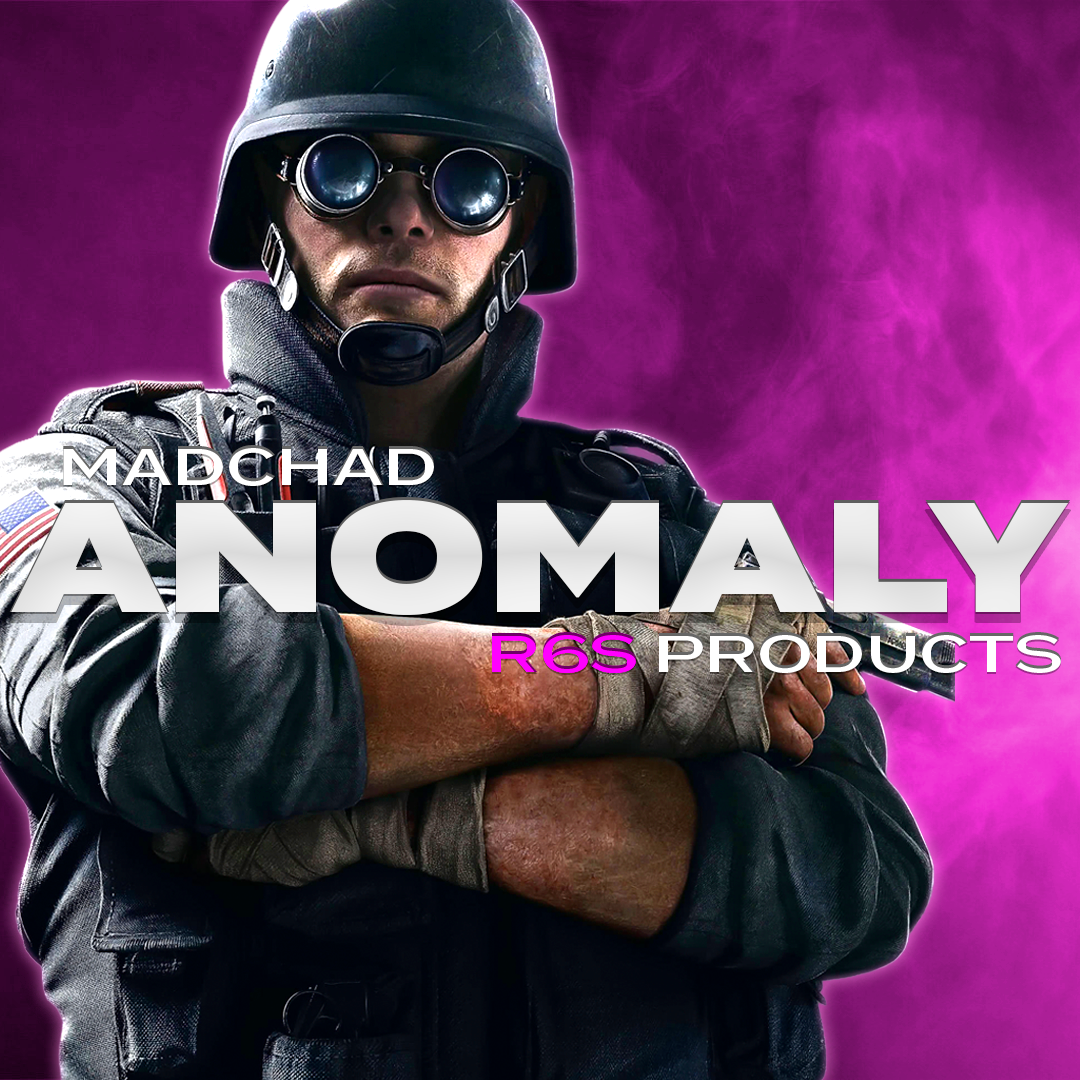
Anomaly Rainbow Six Siege / X
Category: Rainbow 6 Siege
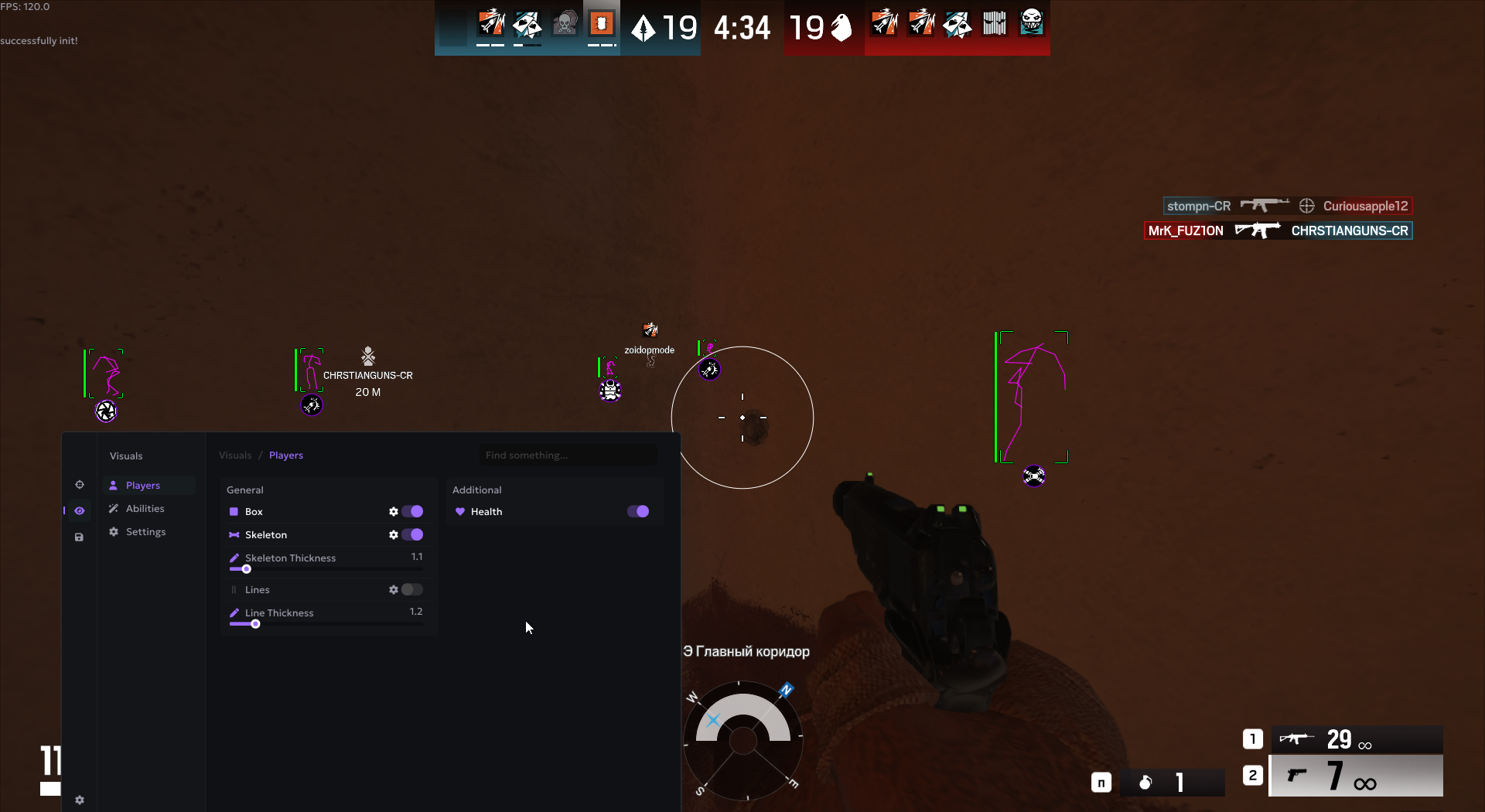
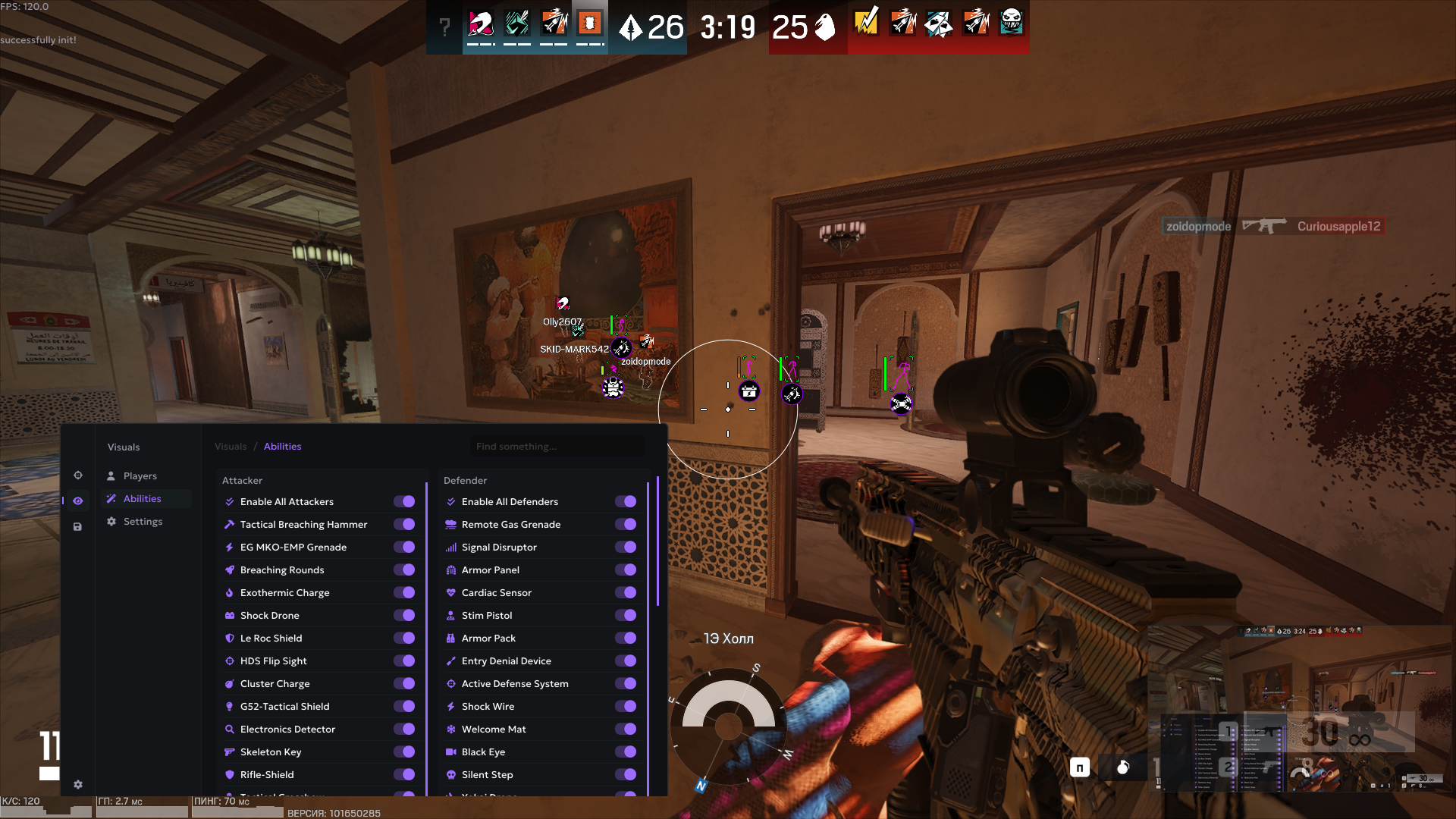
Rainbow Six Siege cheat Anomaly is a focused and customizable solution designed for players who want enhanced control and awareness without unnecessary complexity. By combining precise aiming assistance with a clean and flexible visual system, Anomaly prioritizes stability, clarity, and ease of use. The software provides adjustable aimbot behavior alongside detailed visual information such as player outlines, skeletons, health, lines, and ability indicators, supporting better situational awareness and decision-making in every round. In the tactical and competitive Rainbow Six Siege environment, this balanced setup enables a controlled and comfortable playstyle. Anomaly is ideal for players who value customization, consistency, and a refined approach to gameplay built around control rather than excess.

- Operating system:Windows 10, Windows 11 (21H2, 22H2, 23H2, 24H2, 25H2)
- Processor:Intel & AMD
- Client: Ubisoft Connect, Steam, Epic Games Store
- Enable Aimbot: Enable or disable the aimbot system.
- Aim Key: Assign a key to activate the aimbot while holding it.
- FOV: Adjust the aiming field of view using a slider.
- Aim Smooth: Control how smooth the aimbot movement is — higher values result in softer aim.
- Aim Sensitivity: Fine-tune aimbot sensitivity for precise control.
- Target Bone: Select which body part the aimbot should target.
- Nearest Bone: Automatically targets the closest available hitbox.
- Target Lock: Locks onto a target until aiming is released.
- Box: Displays players using box ESP visuals.
- Skeleton: Displays player skeletons for clearer movement tracking.
- Skeleton Thickness: Adjust the thickness of skeleton lines using a slider.
- Lines: Shows snaplines pointing to player positions.
- Line Thickness: Control the thickness of snapline visuals.
- Health: Displays player health information.
- Abilities: Displays abilities for all characters.
- Abilities Icon Size: Adjust the size of ability icons displayed on screen.
- Save Config: Save your current settings configuration.
- Load Config: Load a previously saved configuration.
- Delete Config: Remove saved configurations you no longer need.
- Share Config: Share your configuration with other users.
We also recommend looking at: