 Escape From Tarkov
 Arc Raiders
 Arena Breakout
 Delta Force
 GTA V FiveM
 Apex
Apex Marathon
 Deadlock
 Marvel Rivals
 Battlefield 6
 Rainbow 6 Siege
 Sea of Thieves
- Call Of Duty
 Pubg
Pubg- Rust
- Dayz
 ARK Ascended
 Arma Reforger
 Fortnite
 Counter Strike 2
 Dead By Daylight
 Squad
Squad Scum
Scum Dark And Darker
- Valorant
- Warthunder
 Hunt Showdown
- DMA Hardware
- Hwid Spoofers
























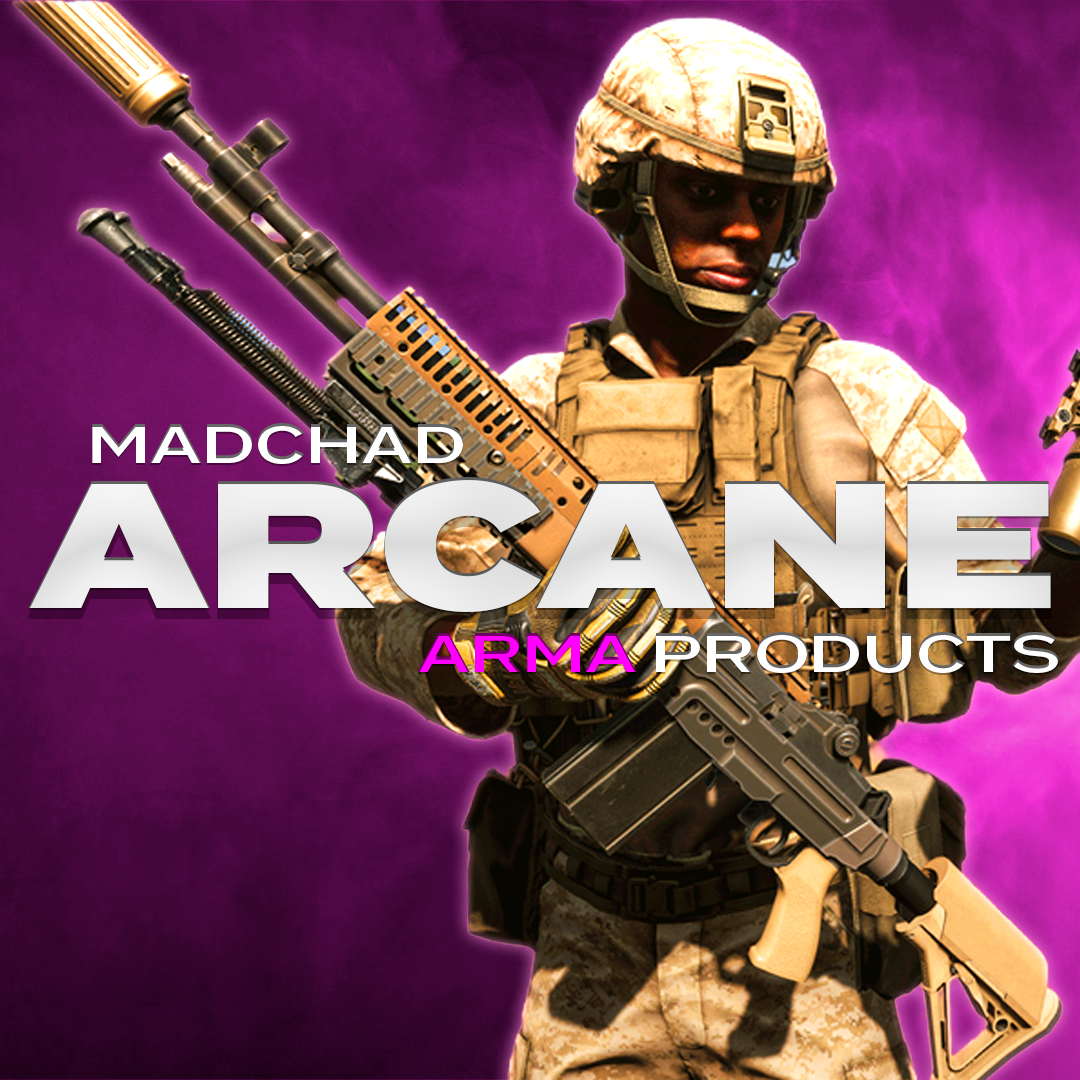
Arcane Arma Reforger
Category: Arma Reforger
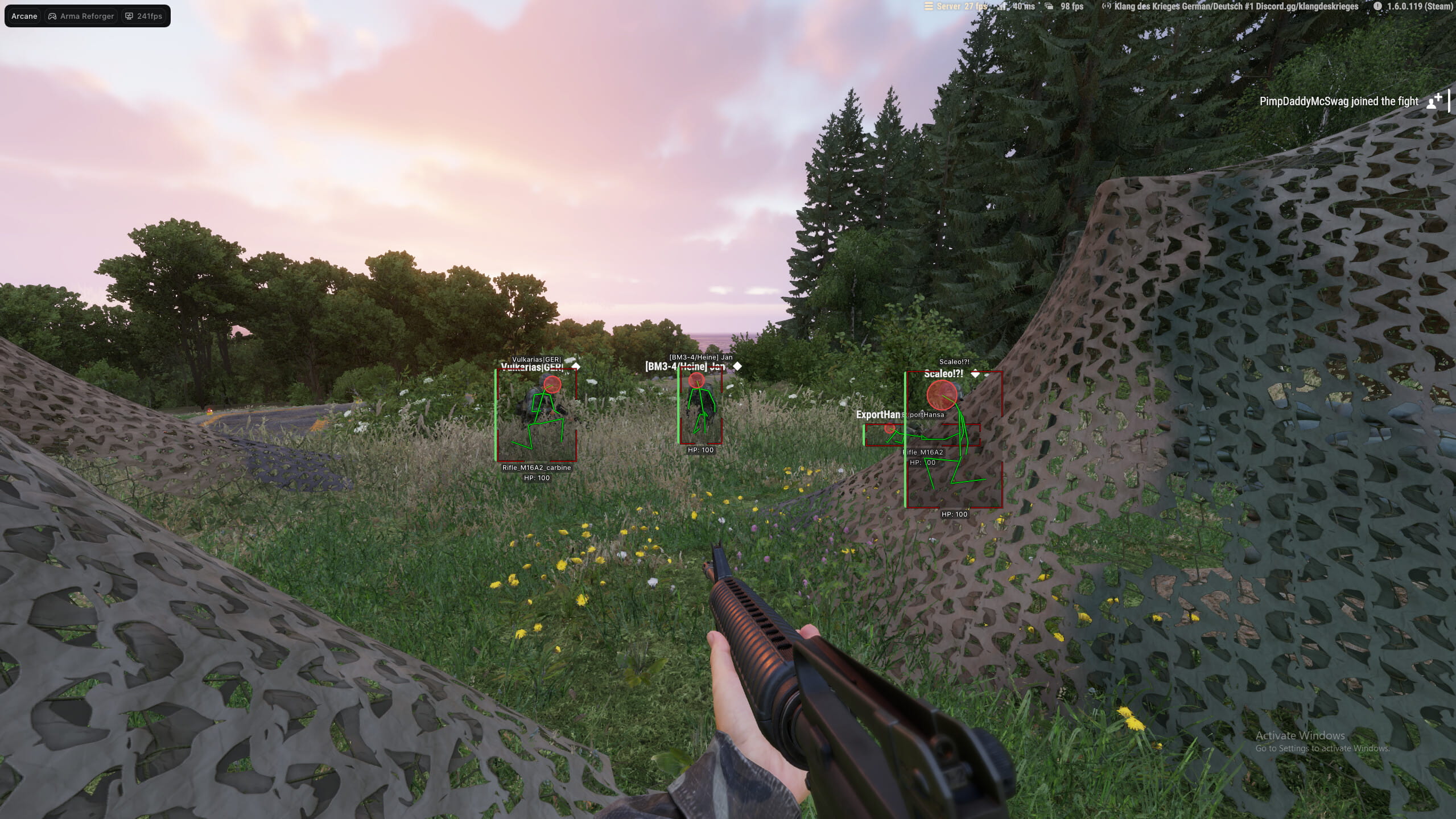
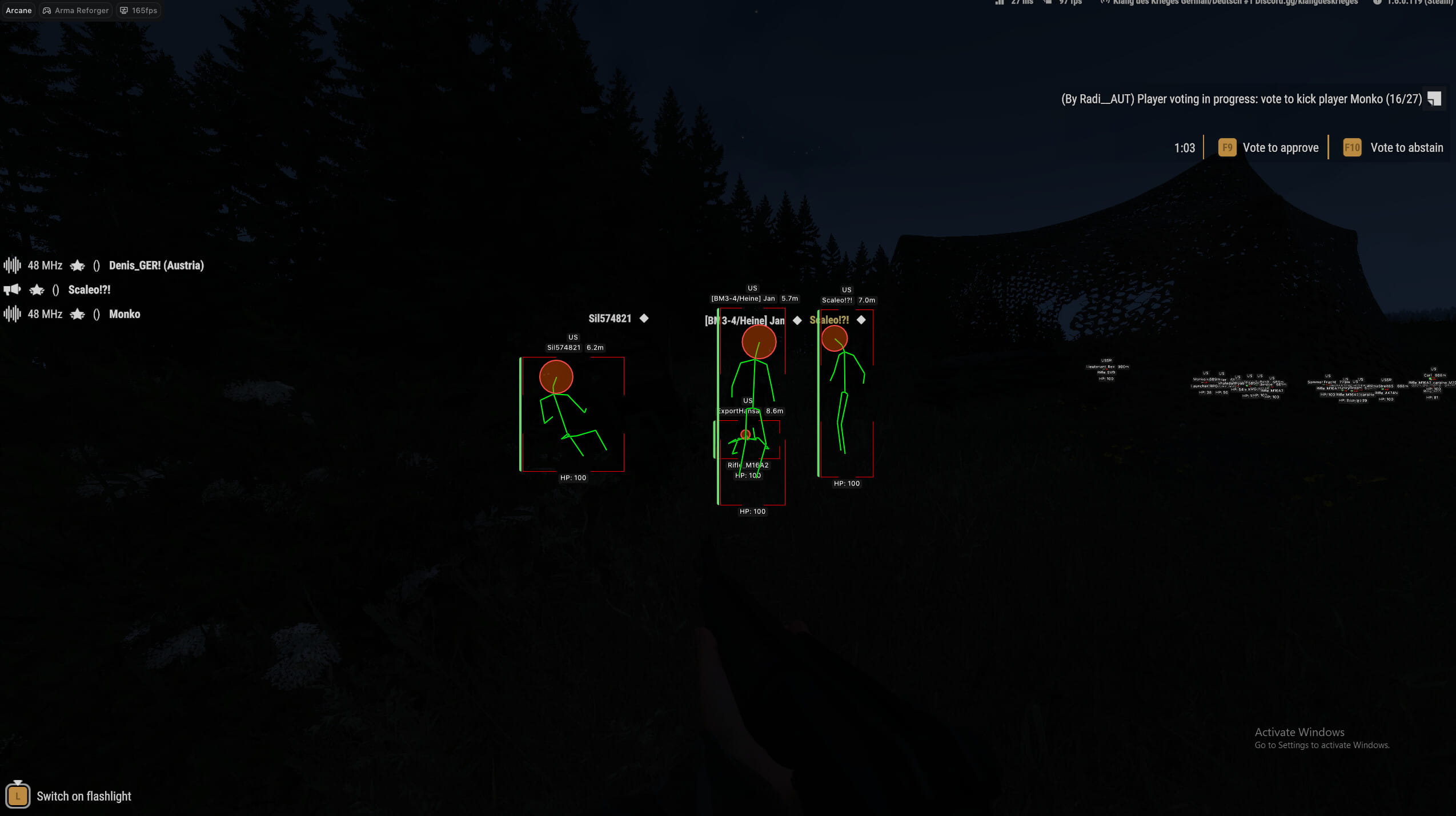
Arma Reforger cheat Arcane is an advanced and stable private solution designed for players who want greater tactical control, precision, and awareness in both PvP and team-based gameplay. It features a highly configurable aimbot with target bone selection, hold or always-on modes, adaptive FOV behavior, smoothness control, distance limits, and on-screen FOV visualization. Arcane cheat also includes a detailed player ESP with boxes, snaplines, health, skeletons, head indicators, weapons, team information, and distance, all fully customizable to keep visuals clean and readable. With additional features such as a customizable crosshair, hotkeys, and a flexible configuration system, Arcane for Arma Reforger delivers a balanced and reliable experience focused on clarity and control without unnecessary complexity.
- Operating system:Windows 10, Windows 11 (21H2, 22H2, 23H2, 24H2, 25H2)
- Processor:Intel & AMD
- Client: Steam
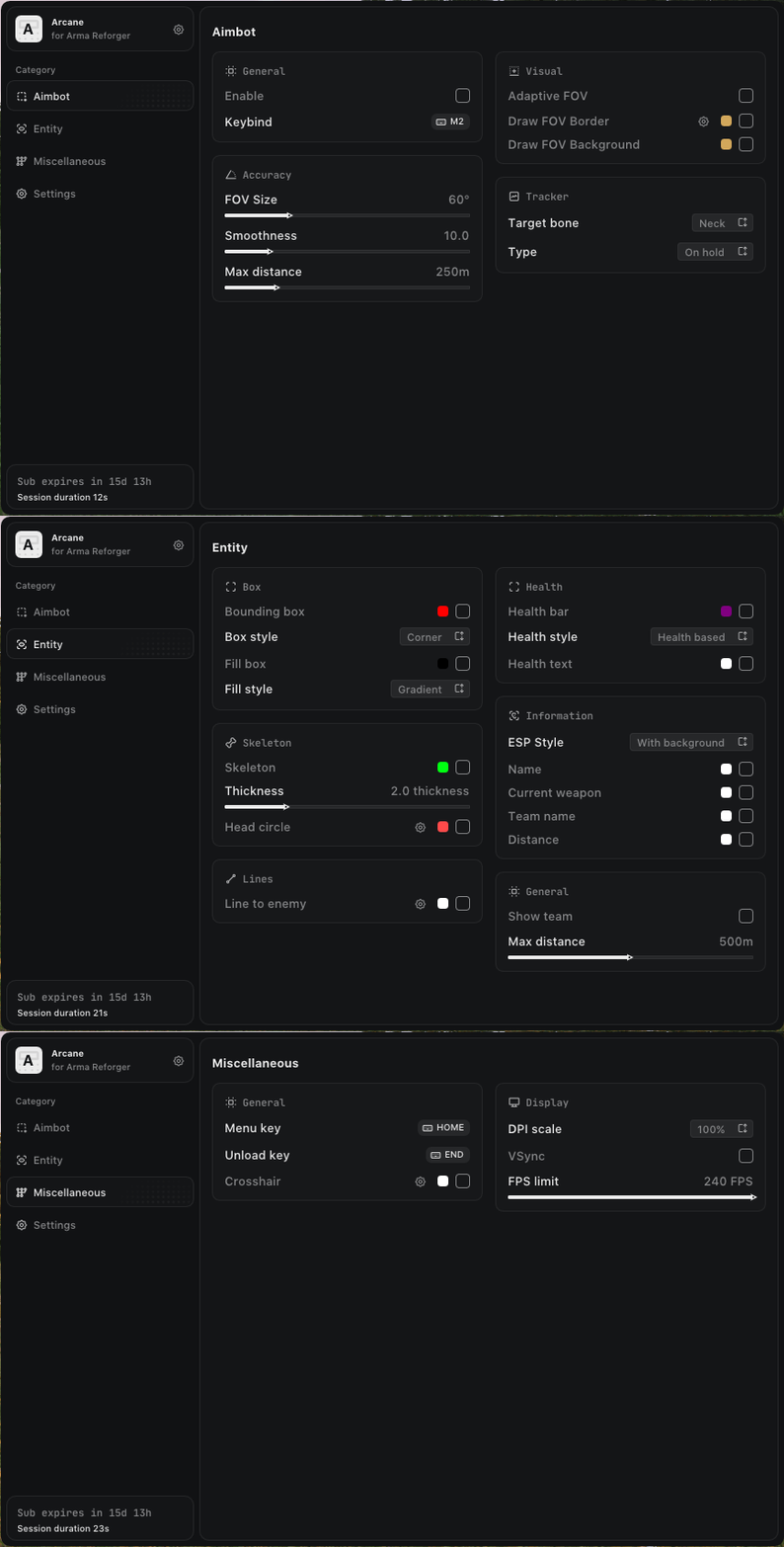
- Enable Aimbot: Enable or disable the aimbot system.
- Aim Key: Assign a key to activate the aimbot.
- Aim Type: Choose the aiming mode (hold or always on).
- Bones: Select which bone to aim at, such as head or neck.
- Adaptive FOV: Dynamically adjusts the FOV circle based on the target.
- Draw FOV Border: Displays the border of the aimbot FOV circle.
- Draw FOV Background: Displays the filled background of the FOV circle.
- FOV Size: Adjust the size of the aimbot working area.
- Smooth: Control how smooth the aiming movement is.
- Max Distance: Set the maximum distance at which the aimbot operates.
- Box: Displays players using a 2D box ESP.
- Box Style: Customize the box style, including type and fill options.
- Snaplines: Draws lines from your position to player targets.
- Health Bar: Displays player health using a visual health bar.
- Health Text: Shows player health as numeric text.
- Skeleton: Displays player skeletons with adjustable thickness.
- Head Circle: Draws a circle around the player’s head.
- Name: Displays the player’s nickname.
- Weapon: Shows the weapon currently held by the player.
- Team Name: Displays the player’s team name.
- Show Team: Allows ESP to display your teammates.
- Distance: Shows the distance to each player.
- Max Distance: Sets the maximum render distance for player ESP.
- Menu Key: Keybind used to open the Arcane menu.
- Unload Key: Keybind to safely unload the cheat.
- Crosshair: Displays a static crosshair in the center of the screen.
- Language (Russian / English / Chinese): Arcane menu is available in three languages.
- Configs (Create / Delete / Save / Load): Create, manage, save, and load custom configurations.