

 Escape From Tarkov
 Arc Raiders
 Arena Breakout
 Delta Force
 GTA V FiveM
 Apex
Apex Marathon
 Marvel Rivals
 Battlefield 6
 Rainbow 6 Siege
 Sea of Thieves
- Call Of Duty
 Pubg
Pubg- Rust
- Dayz
 ARK Ascended
 Arma Reforger
 Fortnite
 Counter Strike 2
 Dead By Daylight
 Squad
Squad Scum
Scum Dark And Darker
- Valorant
- Warthunder
 Hunt Showdown
- DMA Hardware
- Hwid Spoofers

























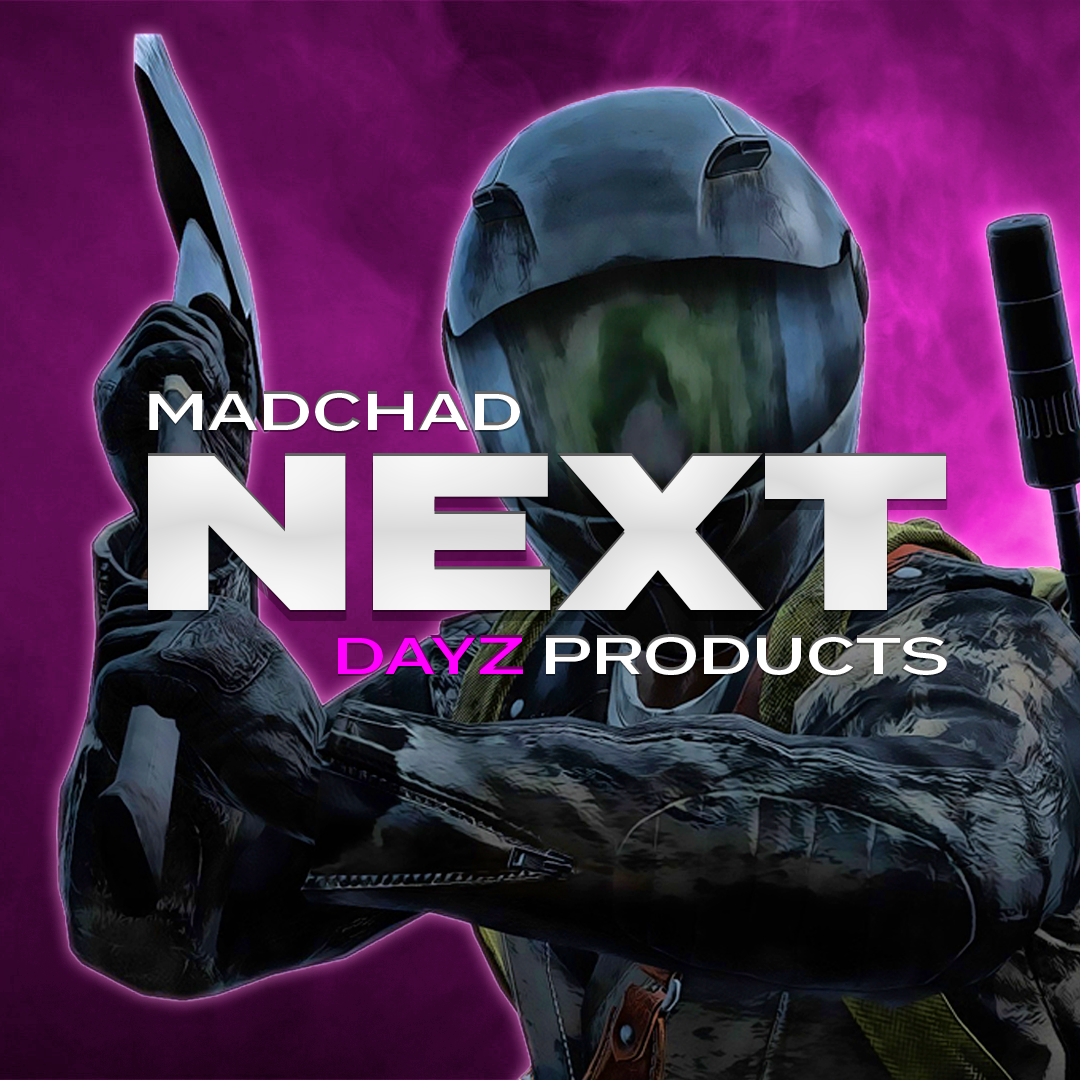
Next Dayz
Category: Dayz
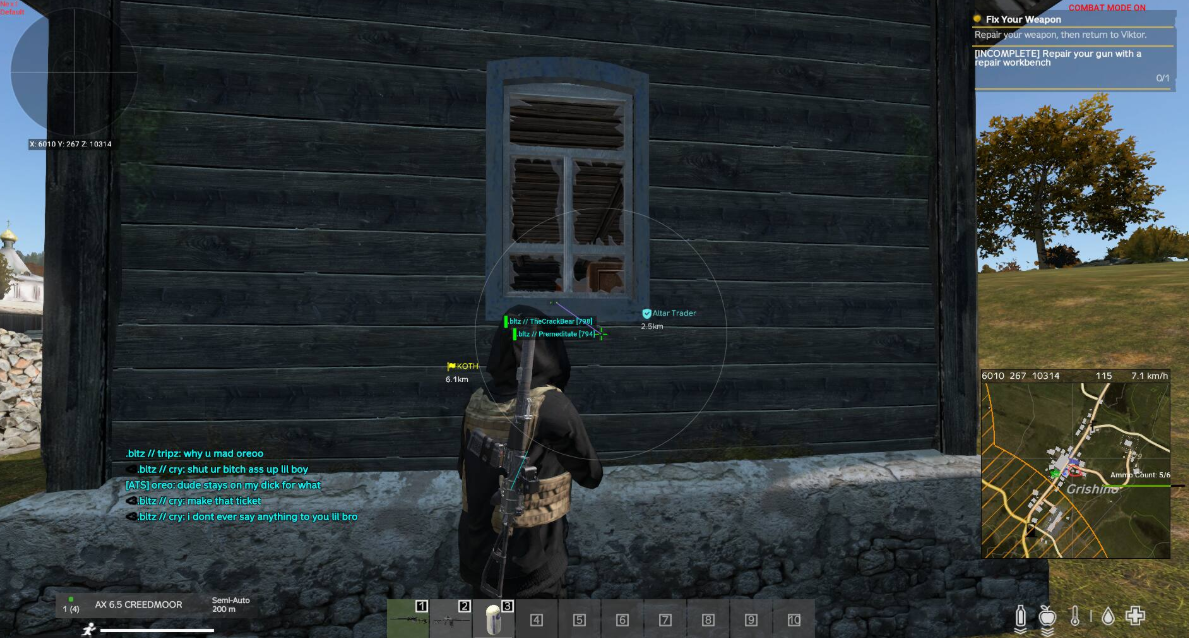
Next Dayz Cheat is an advanced semi private software for DayZ, built for players who want maximum power, speed and control. It delivers high-impact features designed for both aggressive and efficient gameplay, while remaining fully customizable.Core highlights include Item Duplication, allowing you to spawn identical copies of items on most servers (including official), as well as Magic Bullet and Bullet Curve systems for extreme combat advantage. Combined with Speedhack and a wide range of visual and world tools, Next gives you total dominance over fights, loot and map awareness.To ensure safer usage, Next includes a built-in spoofer, helping protect your identity while playing.A complete all-in-one solution for DayZ players who want no limits.

- Operating system:Windows 10, Windows 11 (21H2, 22H2, 23H2, 24H2, 25H2)
- Processor:Intel & AMD
- Mouse / Silent Aimbot: Choose between mouse-controlled aiming or fully silent aiming
- Silent Aim Key: Dedicated keybind to activate silent aim
- Targeting Type: Select targets by closest FOV or closest distance
- Aimbot FOV: Fully adjustable field of view for target selection
- Target Swap Delay: Delay between switching targets for natural behavior
- Max Aim Distance: Limit aimbot activation range
- Aim Bone: Select target bones (head, chest, pelvis, etc.)
- Silent Aim Hit Chance: Control hit probability for legit-style gameplay
- Mouse Smooth Factor: Smooth aiming movement to avoid sharp snaps
- Target Visible Only: Aim only at visible targets (visibility check)
- Target Lock: Lock onto a single target until released
- Ignore Entities: Ignore players, zombies or animals individually
- Magic Bullet: Advanced bullet redirection with bypass, distance and key options
- Smart Curve Bullet: Curved bullet trajectories for enhanced hit accuracy
- Smart Bullet Key: Dedicated keybind for smart bullet activation
- Combat Mode Key: Toggle combat-optimized aimbot behavior
- Draw FOV Circle: Display customizable FOV circle with color selection
- Draw Target Snapline: Draw snaplines from crosshair to target
- Target Snapline Color: Fully customizable snapline colors
- Aim Target Color: Color indicator for current aimbot target
- Visible / Invisible Target ESP Color: Different colors based on target visibility
- Triggerbot: Automatic shooting with configurable key and delay
- Triggerbot ADS Only: Only fires while aiming down sights
- Triggerbot Max Distance: Limit triggerbot activation range
- Weapon Control: Weapon-specific settings and behavior
- No Recoil: Custom recoil reduction percentage
- No Sway: Reduce weapon sway with adjustable strength
- Name / Distance: Display player names and distance in real time
- Visible Check: Different ESP state for visible and non-visible targets
- Held Item / Inventory: Show currently held weapon and inventory items
- Health Bar / Show Quality: Health bars with item quality indicators
- Skeleton / Bounding Box: Skeleton ESP and bounding box visualization
- Show Corpse: Display dead bodies and corpses
- Vertical Health Bar: Alternative vertical-style health bars
- Name Color: Custom color for player names
- Visible / Invisible Color: Separate colors based on target visibility
- Box Type: Cornered or full squared box styles
- Player List: List of all players with advanced controls
- Player List — Admin Status: Identify server admins instantly
- Ignore for ESP: Exclude selected players from ESP
- Friendly Flag: Mark players as friendly (ignored by aimbot)
- Custom Player Color: Assign individual colors per player
- Steam Tools: Open Steam profile or copy Steam ID directly
- Radar: Built-in radar with real-time entity tracking
- Show Players / Zombies: Toggle player and infected visibility on radar
- Draw Distance: Display distance indicators for entities
- Look Direction: Show the direction entities are facing
- Radar Background Color: Fully customizable radar background
- Radar Crosshair Color: Custom radar center indicator color
- Radar & Entity Size: Adjust radar scale and entity size
- Max Distance: Limit ESP and radar rendering distance
- Direction Line Length / Width: Customize direction line size and thickness
- Admin ESP / Notification: Receive alerts when admins are nearby
- Show Ruined Items: Display ruined or broken items on ESP
- Restrict ESP (FOV): Draw item ESP only inside your field of view to reduce clutter
- Structure ESP: Highlight structures and important world objects
- Container ESP: Show containers and their items (crates, barrels, storage)
- Sites ESP: Display wreck sites and special loot areas
- Trap / Contamination / Activation Zones: Visualize traps, gas zones and activation areas
- Consumable ESP: Highlight food, drinks and medical consumables
- Show Names: Display item names on ESP
- Show Distance: Show distance to each item
- Show Quality: Display item condition and quality level
- Item ESP Grouping: Group similar items together to reduce screen clutter
- Item Category ESP: Filter items by category (weapons, meds, food, gear)
- Item List: Full list of all items with individual customization
- Item Enable / Ignore: Enable or ignore specific items individually
- Item Max Distance: Set maximum draw distance per item
- Item Custom Color: Assign custom colors to individual items
- Rename Object ESP: Rename any object shown on ESP
- Show Landmarks: Display important landmarks directly on the ESP
- Landmark Categories: Villages, Cities, Castles and Airfields
- Military Bases: Highlight military zones and high-tier loot areas
- Map Selection: Select the active map for accurate world ESP
- Show Location Names: Display location names on screen
- Show Location Distance: Show distance to landmarks and locations
- Location Color: Customize colors per location type
- Saved Locations: Save custom locations for later reference
- Saved Location ESP: Save and display custom coordinates on ESP
- Custom Location Data: Store name, distance and color per saved location
- Scripting Engine: Advanced scripting engine for extended functionality and automation
- Speedhack: Adjustable movement speed with value and keybind control
- Force Third Person: Force third-person view even on restricted servers
- Force Crosshair: Enable crosshair on servers where it is normally disabled
- Remove Grass: Remove grass for improved visibility
- Draw Compass: On-screen compass for better navigation
- Combat Mode Key: Quick toggle for combat-optimized settings
- Loot Teleport: Teleport loot directly to your position
- Corpse Teleport: Teleport dead bodies to your location for fast looting
- Loot Teleport Key: Dedicated keybind to activate loot teleport
- Highlight Loot Color: Custom highlight color for teleported or important loot
- Item Duplication: Duplicate items on most community servers and official servers by spawning identical copies
- Loot Living Players: Access and duplicate items directly from alive players
- Built-In Spoofer: Integrated spoofer to help protect your identity during gameplay
We also recommend looking at: